Turn That PLR Sitting on Your Computer Into Something You're Proud to Give Away
The PLR Makeover Studio helps you convert any Word doc, text file, or Markdown file into a polished, branded PDF without wrestling with design software.
- ✓ Add your branding
- ✓ Customize the content
- ✓ Download a polished PDF
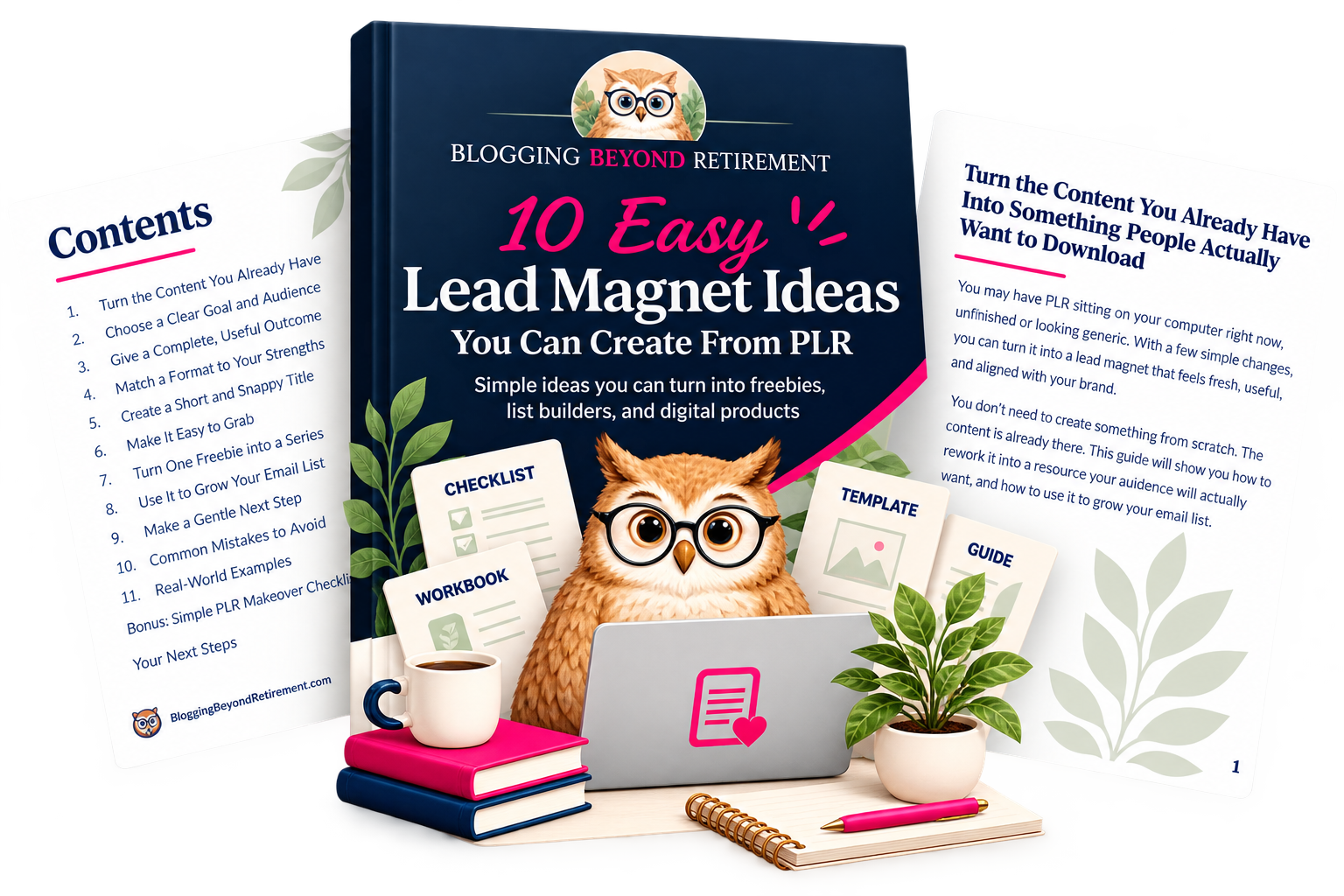
What Can You Do With PLR Makeover Studio?
You don't have to start over every time you need a new freebie or PDF. Bring in a Word document, text file, or Markdown file, customize it for your brand, and turn it into something you can actually use.
Create a Lead Magnet
Turn PLR or content you already have into a branded guide, checklist, cheat sheet, or other freebie to help grow your email list.
Make It Your Own
Add your colors, logo, title, cover, links, and offers so the finished PDF looks like it belongs to your business, not the original PLR creator.
Download & Use It
Export your finished PDF and use it on your website, in your emails, inside a course or membership, or wherever it fits your business.
No design software required.
So, What Exactly Is PLR?
PLR stands for Private Label Rights. It's ready-made content you purchase with a license that allows you to edit, rebrand, and use it in your own business, depending on the terms of that license.
Start With Ready-Made Content
PLR can include ebooks, checklists, guides, worksheets, articles, and other content you don't have to create completely from scratch.
Make It Yours
Change the title, rewrite sections, add your own experience, remove what doesn't fit, and add your own branding.
Put It to Work
Turn it into a lead magnet, checklist, guide, workbook, bonus, or another useful resource for your audience.
That's where PLR Makeover Studio comes in. It helps you turn the content you've customized into a polished, branded PDF that actually feels like yours.

Hi, I’m Susan
I’ve been working online for about 15 years, and if there’s one thing I’ve learned, it’s that we don’t need to make everything harder than it has to be.
I created Blogging Beyond Retirement to help women use the skills and experience they already have to build something online, especially when retirement doesn’t quite stretch as far as we thought it would.
PLR Makeover Studio came from that same idea. If you already have useful content sitting on your computer, you shouldn’t have to become a graphic designer just to turn it into something you’re proud to share.
That’s what this little tool is here to help you do.
From PLR to Polished PDF in 3 Simple Steps
You bring the content. PLR Makeover Studio gives you a simple way to turn it into something that looks and feels like yours.
Upload
Start with your Word document, text file, or Markdown file.
→Customize
Add your colors, logo, title, cover, links, and offer.
→Download
Export your finished branded PDF and put it to work.
Ready to Give That PLR a Makeover?
Stop letting useful content sit forgotten on your computer. Turn it into something you can actually use.
Get Free Access to PLR Makeover StudioFree to use. No design software required.
Copyright 2026 | Blogging Beyond Retirement | Privacy Policy | Terms & Conditions